What happened
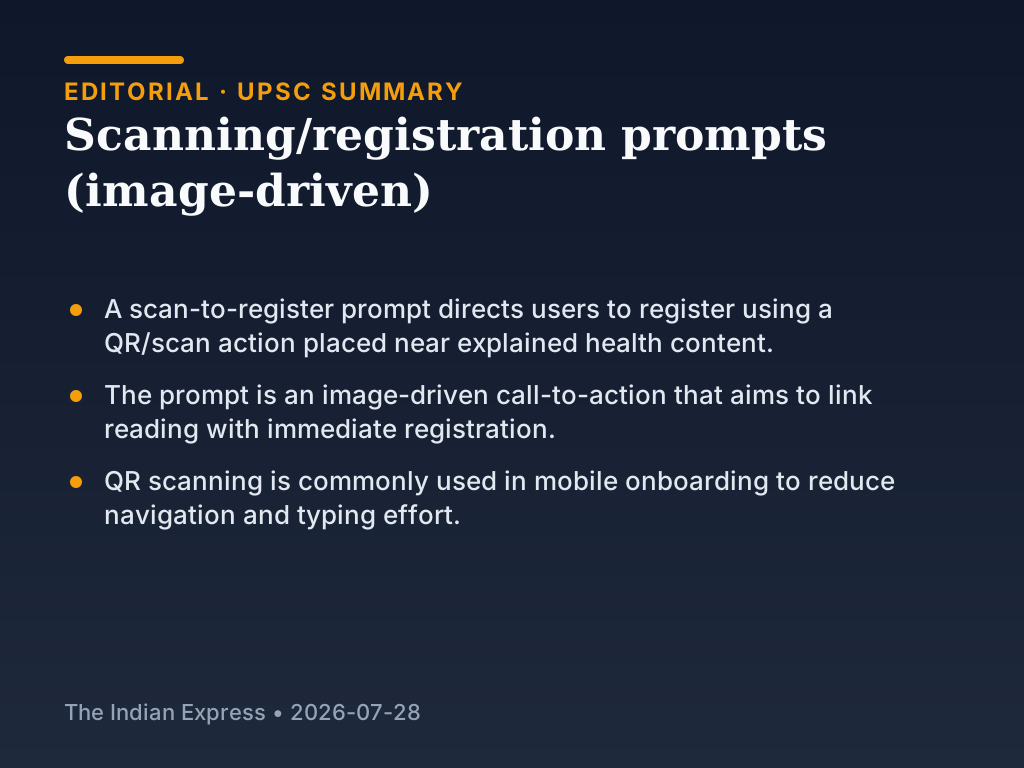
A scan-to-register prompt uses a QR/scan instruction placed near explained health content. The prompt directs users to register using a QR/scan action.
Background and earlier position
Digital public service pages often present health or advisory information and then require a next action such as enrolment, registration, or form submission. In many digital flows, users must either navigate to a separate registration screen or type a link or number. QR scanning is one method used in mobile interfaces to reduce typing and navigation effort.
What changed now
The current interface places an explicit scan-to-register call-to-action directly next to the health explanation content. Instead of separating reading and registration into distant steps, the interface links the user’s next action (registration) to a QR scanning prompt that is visible at the point of reading.
Related current affairs
- IIMC confers MA in Public Communication & Governance on IIS Officer Trainees; new programme introduced
- Royal Stars (comic strip)
- Editorial: From language to music—public expression as power
- Hindi page cover ad: PM Modi and Union scheme campaign (Kashmir/जियोन illustration)
- MLA Abhay Verma appointed govt.’s chief spokesperson